

Before signing a lease, we recommend that you:
- Validate the visitation data of the location
- Analyze visitor demographics and psychographics to see if they match your customer profile.
- Audit the competition of the trade area.
We’ll run you through each of those steps so you can feel confident signing your new lease.
Using our AI tools, this will take you less than 5 minutes to complete.
1. Validate the visitation data of the new store
To ensure the location is viable, you must verify that visit numbers match your expectations.
Foot traffic data providers like PassBy provide years of historical data, so you can see visit patterns, seasonal behavior, and benchmark.
If you haven’t used the Almanac integration before, speak to your account manager or see our announcements on the Almanac app in ChatGPT or Co-Pilot to begin.
To validate visitation data, you will need to:
- Sign in to the Almanac app on the LLM integration
- Enter your question or use our prompt template below
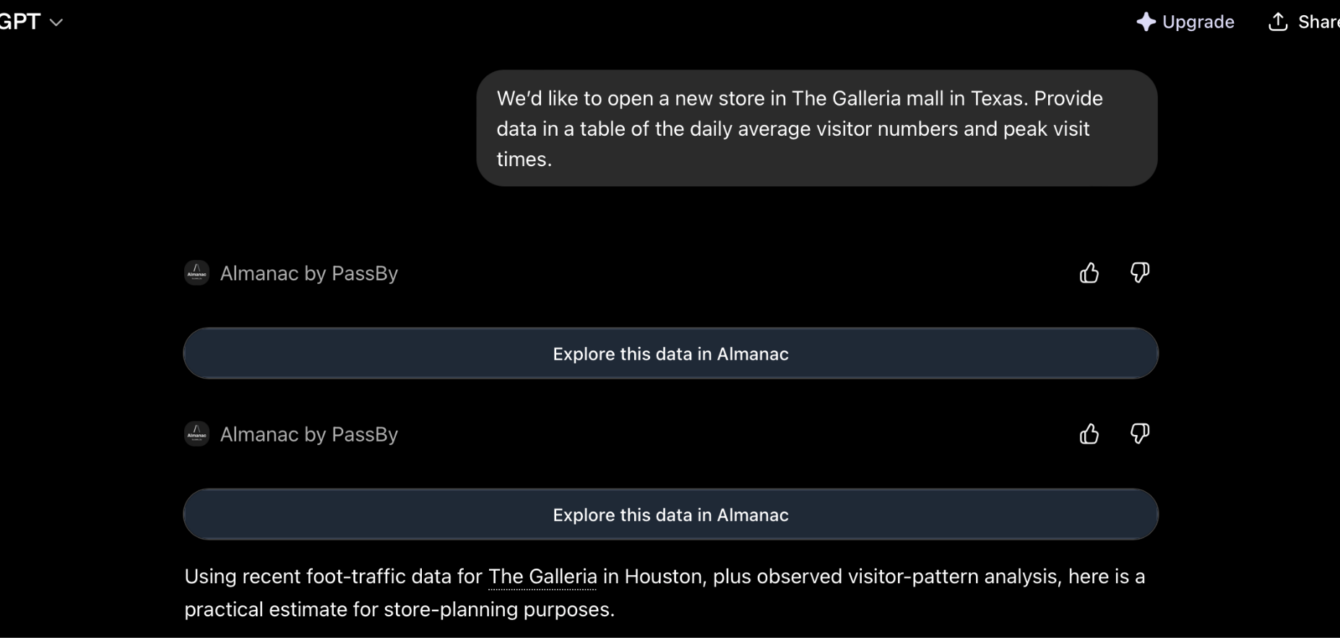
Prompt template: We’d like to open a new store in [location]. Provide data in a table of the daily average visitor numbers and peak visit times.
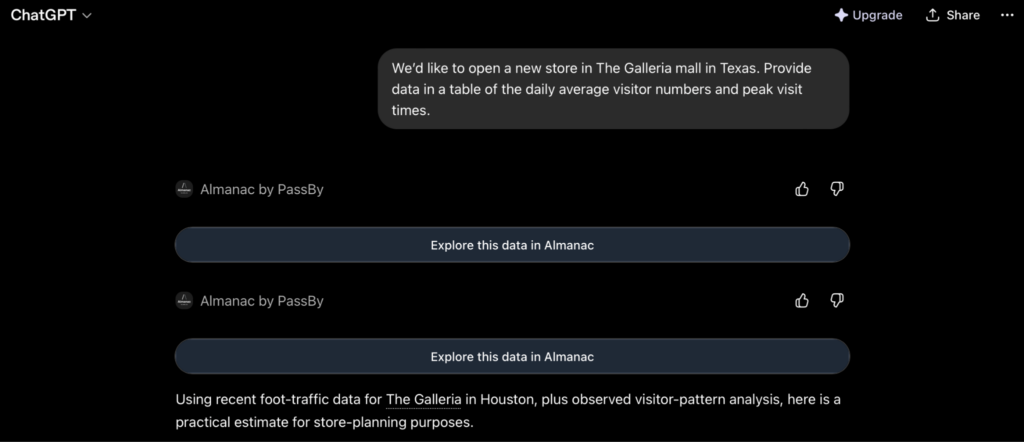
- Wait for the app to load a response
- Check if the visitor data matches your expectations and needs
Then, ask for an analysis of the foot traffic data and the implications for opening a new store in this location.
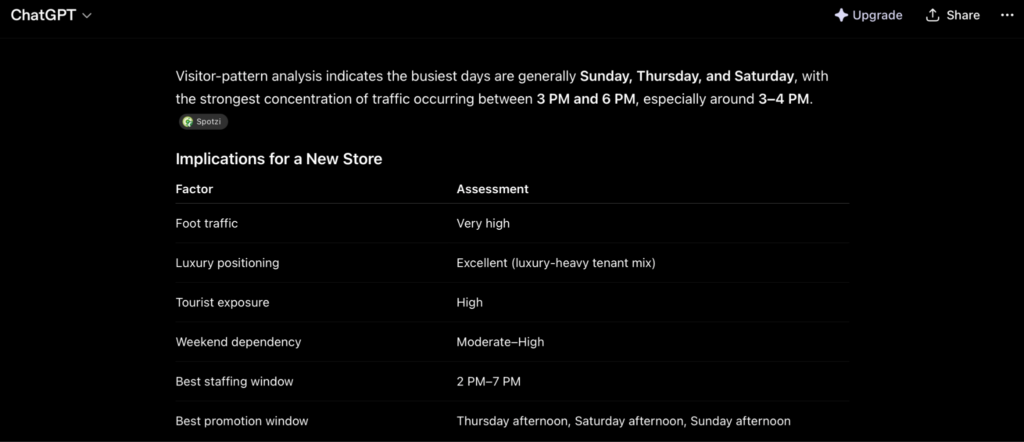
Make sure this analysis matches the type of store you are looking for before you sign any lease.
See our guide to competitor foot traffic benchmarking to continue your new store analysis.
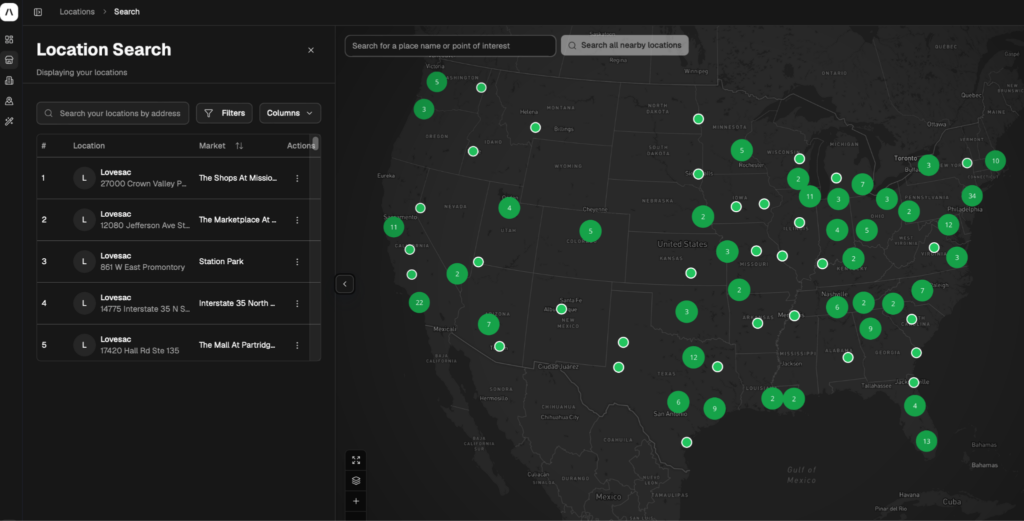
For further detail about the location, you can ask the AI more questions or open the Almanac platform from the links provided in the response to then analyze the location in a custom dashboard.
2. Analyze visitor demographics and psychographics
The fastest way to analyze visitor demographics and psychographics of a new site is to use PassBy’s AI integration.
Open a chat with your AI and use one of our prompt templates to get started:
- Provide a demographic and psychographic profile of visitors to [location] for a new store analysis.
- What perocentage of visitors to [place] are within the [age range] demographic?
- Provide the psychographic profile of visitors to [location] in the past 12 months in a table with a comparison to [competitor location].
- Based on the national average visitor profile of our brand [name], does the [location] match our customer base?
Let’s start with a demographic and psychographic profile analysis using the AI integration.
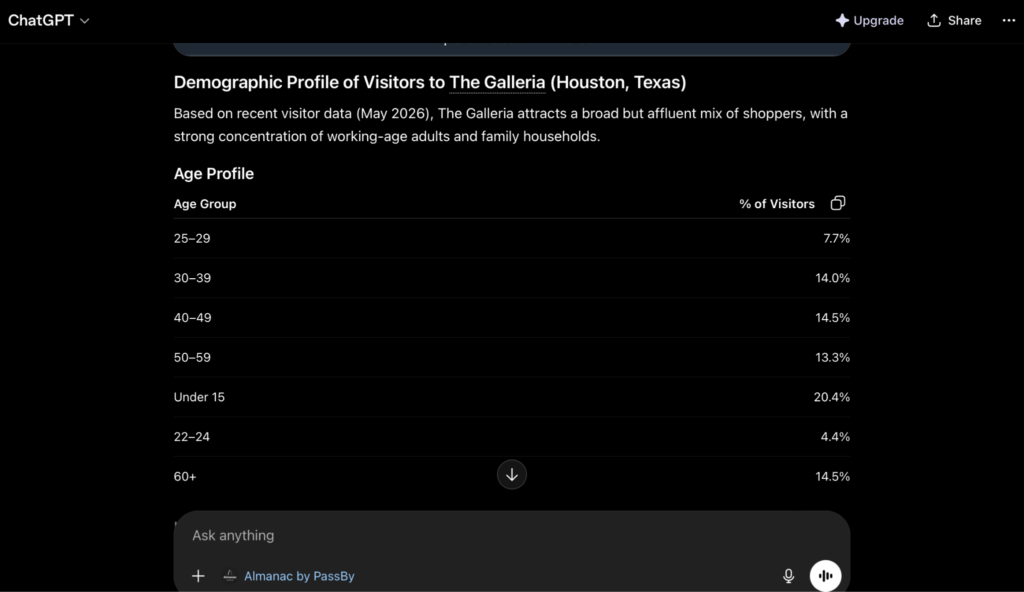
This demographic data will give you a quick look at the age range of visitors to the location based on 5 years of historical foot traffic, followed by education levels, and income.
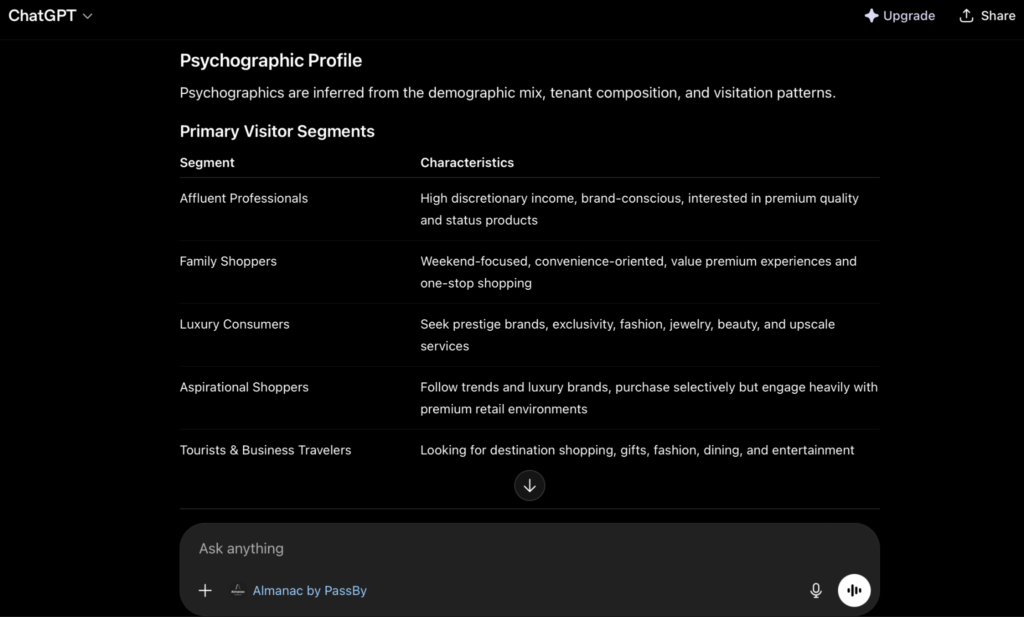
PassBy is also able to provide psychographics – these are key insights into the type of customer that visits a location, and will give you a better understanding of if your preferred customer type(s) are already visiting this location.
If you don’t see the preferred demographic or psychographics profile of customers you are looking for, you may need to take a step back in the site selection process and consider the risks.
3. Audit the competition of the trade area
Auditing the competitive landscape is critical to ensure a new location won’t be cannibalized by existing players or to identify where competitors are failing to capture demand. PassBy’s LLM tools allow you to perform a comprehensive audit in minutes by querying live market data for any Point of Interest (POI).
Prompt templates:
- Identify the top 5 [retail category] competitors within a 3-mile radius of [location]. Provide a table showing their year-over-year foot traffic growth.
- What are the major competitors within [retail category] in the trade area of [location]?
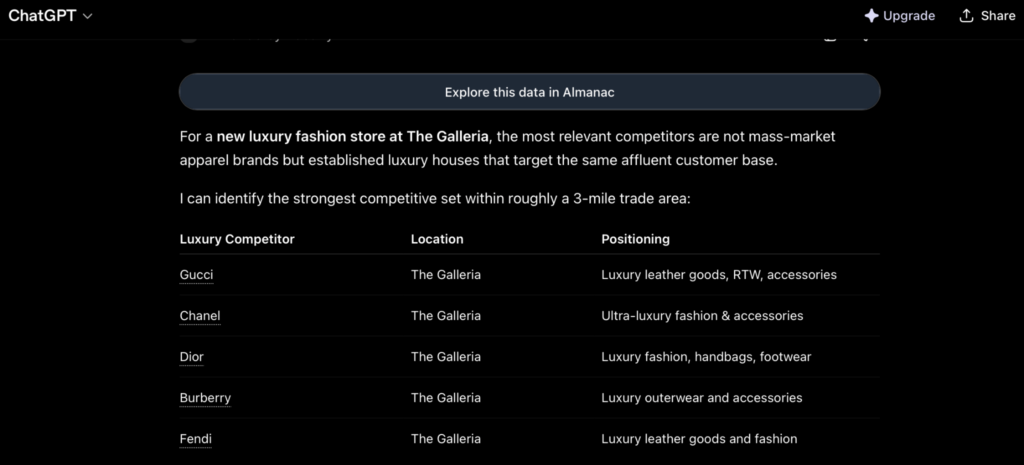
Steps to audit a trade area:
- Enter your prompt into the AI chat and wait for the response to load.
- Examine the response and see if the trade area of the new site matches your expectations
- Copy the response itself or share the link to the AI response to the rest of your team
- For further trade area analysis, open the Almanac platform.
Validate a new store location using PassBy
Ready to validate new store locations in under 5 minutes? Sign up for an Almanac account today to unlock powerful insights.
If you are already an Almanac user, connect your account to ChatGPT or Co-Pilot to get instant answers to your data questions.
Validating new stores FAQs
Should I use the Almanac platform or the LLM tools when validating a new store?
We’d recommend using the Almanac platform when you want to visualise the data into a dashboard and report to be shared with your team for analysis and tracking. Our LLM integrations are ideal for fast checks. The AI will provide a link to the platform for you to view the data in response to your questions, so moving between the two is as seamless as possible should you need to.
How does PassBy validate the visits of stores?
PassBy utilizes a unique ground-truth validation methodology, partnering with Sensormatic Solutions and RetailNext to incorporate data from in-store traffic counters, which corrects the inherent noise and volatility of mobile location data.
How is my data used and protected?
We take data sovereignty seriously. Our integration uses a secure API bridge. While we track which data points are accessed (to ensure your account limits and permissions are respected), we do not access your private chats themselves. Your conversation with the AI stays between you and the AI provider.
Can I validate a new store on mobile?
Yes, you can use our AI integrations on mobile devices via the official ChatGPT app on iOS and Android. It’s perfect for getting a quick pulse check while you’re physically visiting a store or a potential new site.