

Running a competitor foot traffic benchmark analysis can take time. That can mean waiting for an analyst to give you an answer or running through a foot traffic provider platform to get the answers you need.
Almanac provides fast answers when you need them most through AI integration. Get the answer to your questions in under 2 minutes by connecting your Almanac account to AI.
We’ll be showing you how to do this through the PasBy ChatGPT integration as an example, but you can also do this through Co-Pilot.
Steps for competitor foot traffic benchmarking:
Completing a competitor foot traffic benchmark can be done in minutes using the Almanac app. It only takes five steps:
- Select the Almanac app
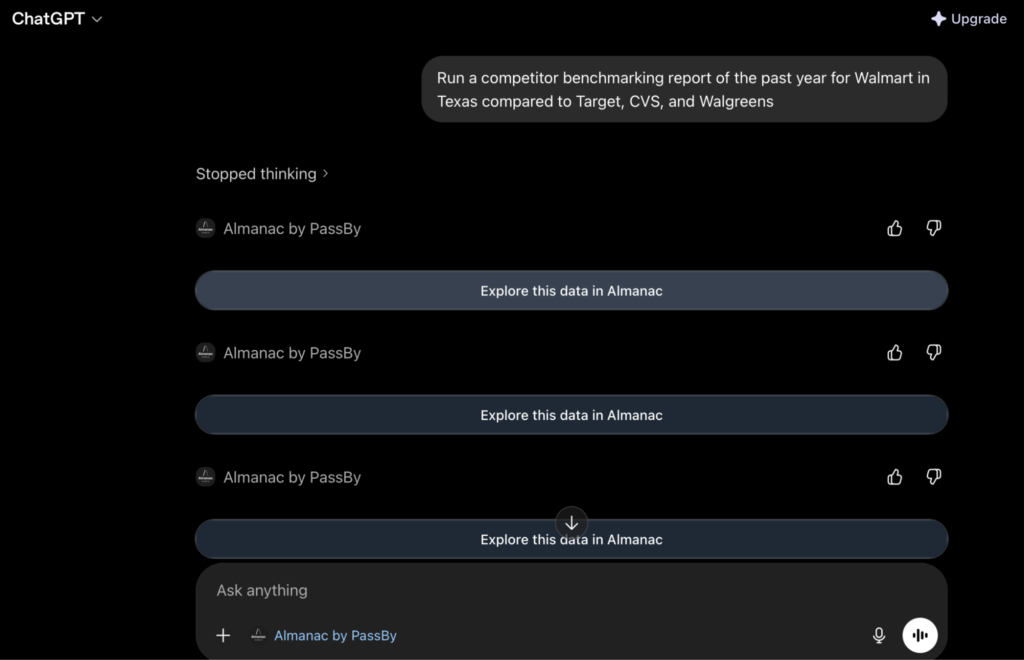
- Enter the prompt and wait for the response
- View the data
- Ask more questions for further detail
- Export the response
Let’s run you through each of those steps.
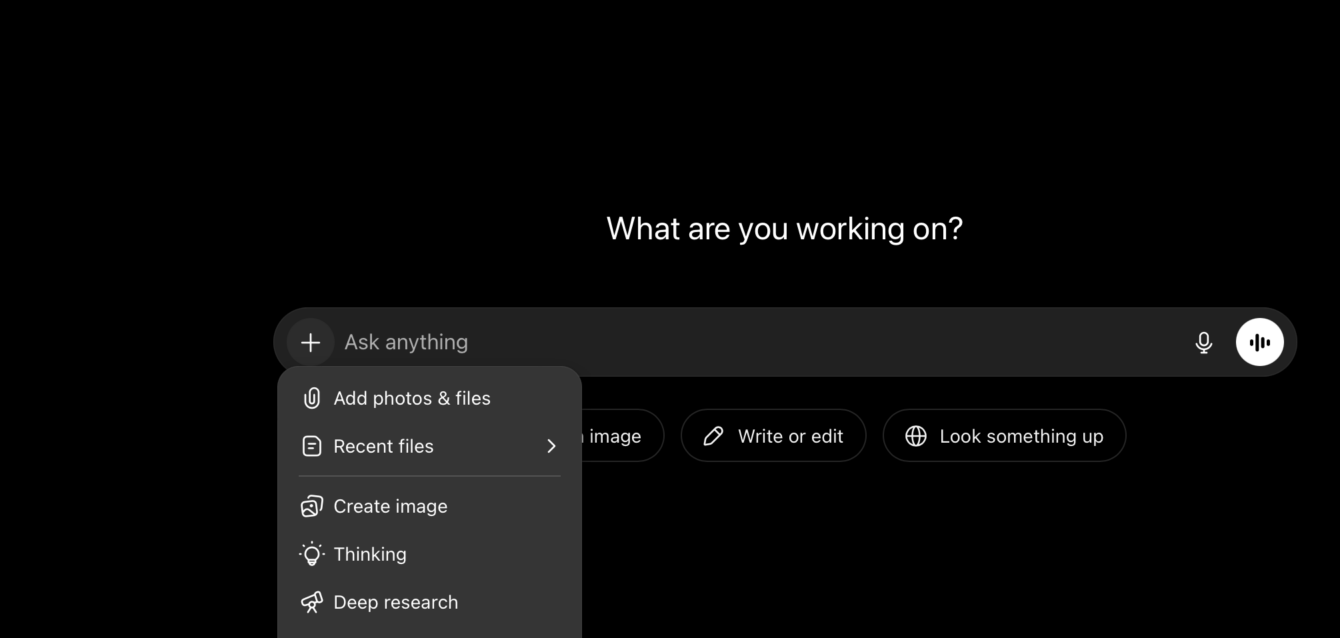
1. Accessing the Almanac app
- First, you will need an Almanac account.
- To set up access in your AI workflows, search for Almanac in the app store. You can access the Almanac ChatGPT app here.
- Then use your Almanac log in credentials to access the app. You will then be able to select Almanac in the chat window.
2. Prompt templates
Sometimes you need a quick answer about competitor benchmarking for your next report or meeting.
You can ask Almanac anything you would normally look for within our platform and anything you might ask a data analyst about foot traffic, demographics, etc.
Here is our recommended prompt list to get you started:
What was the foot traffic growth of [month] compared to last year for [brand name]?
Run a competitor benchmarking report for [retailer] in [location]. Include the following competitors: [competitor list]
Compare the foot traffic of my brand [brand name] compared to our competitor [name] in the last quarter.
Which of my competitors in the [industry] space have performed best in [time frame]? Focus on retailers in [location].
Compare the visitor demographics in the past [time frame] of our brand [name] vs [our competitors].
Provide market share analysis of the past [time frame] on the following brands [brand names].
Read more: See our guide to apparel competitor foot traffic benchmarking.
3. Viewing the data
After entering your prompt, Almanac will take a moment to load the answer.
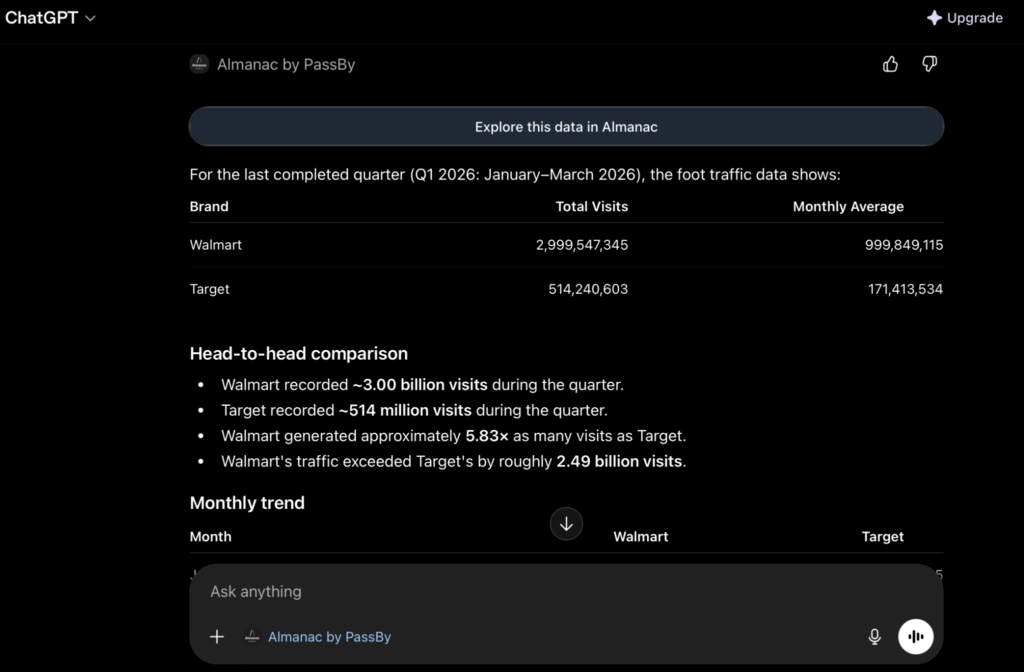
Depending on the prompt you have entered, Almanac may present the data to you in a table, bullet points, or paragraphs.
4. Asking more questions
Depending on the question you ask, the AI may provide next steps for further analysis.
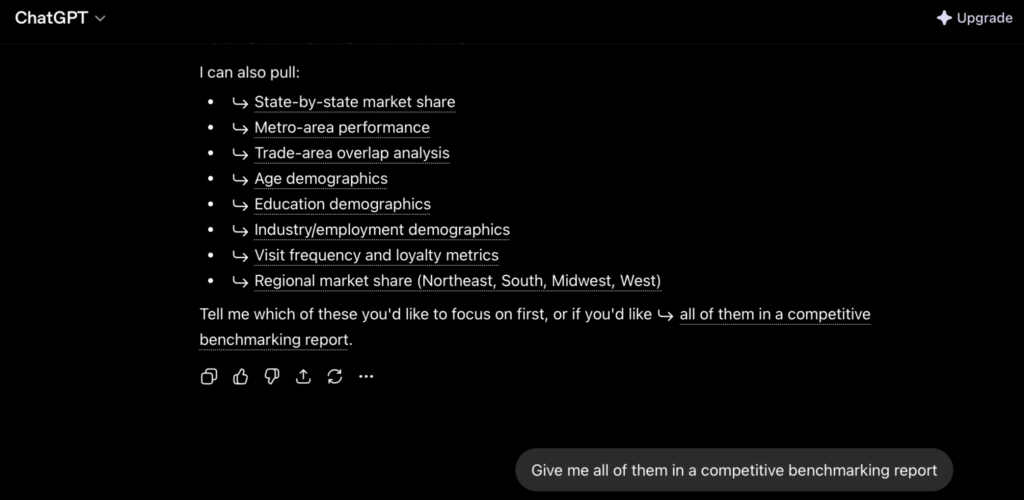
These can help to inform your analysis and guide your next steps. Simply click on any of the links provided as the response for the chat to continue.
You can also ask your own questions to the AI
5. Export the response
- You can share the complete AI response by clicking the “Share” button or copy and pasting part of the response you need into a document or sheet.
- Top share just a table from the response, hover over the top right corner to copy and paste.
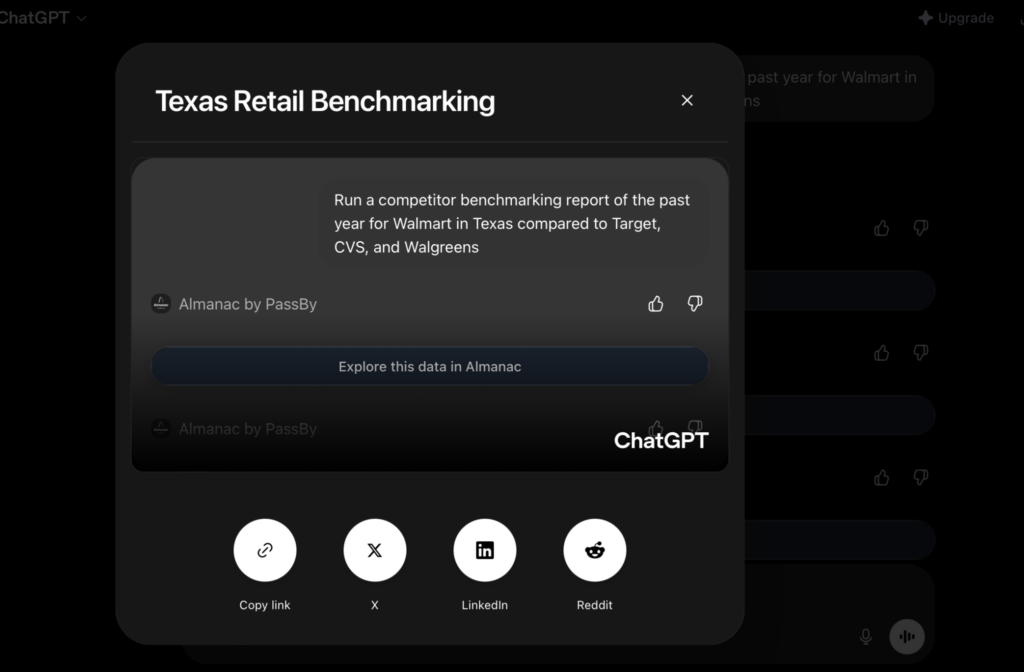
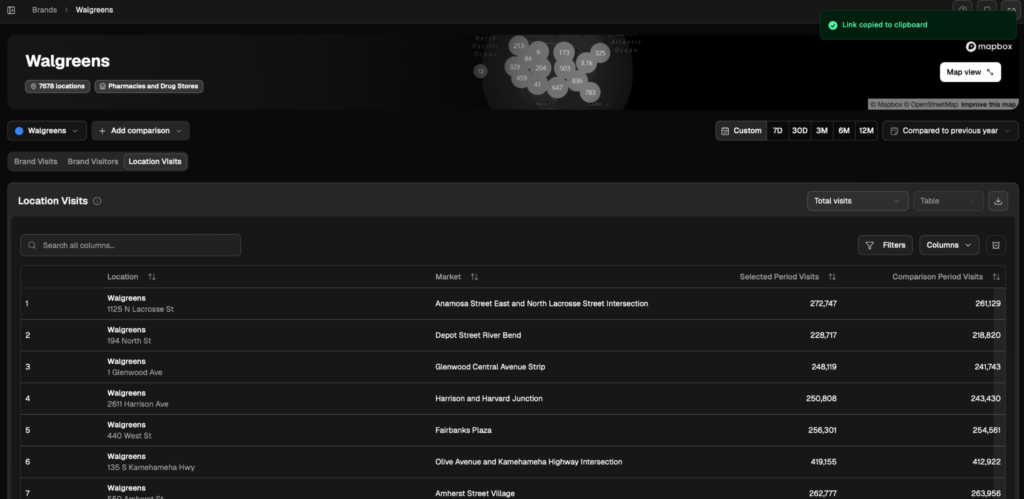
If you’d prefer more visualisation such as showing the locations on a map or data on a graph, then follow the link in the AI’s response to the Almanac platform.
You can then export directly from the platform as a CSV file or share the link to the rest of your team.
Run a competitor foot traffic benchmark report using Almanac
Ready to start benchmarking competitor foot traffic with ease? Sign up for an Almanac account today to unlock powerful insights.
If you are already an Almanac user, connect your account to ChatGPT or Co-Pilot to get instant answers to your data questions.
Competitor benchmarking FAQs
You can still access the data on our Almanac platform. The AI will provide a link to the platform for you to view the data in response to your questions, so moving between the two is as seamless as possible.
Should I use Almanac or the LLM?
You can still access the data on our Almanac platform and create a competitor benchmarking report there.
The AI will provide a link to the platform for you to view the data in response to your questions, so moving between the two is as seamless as possible should you need to. Our LLM integration is perfect when you need a fast answer.
What competitors can I benchmark?
You can benchmark against almost any major retailer in the U.S. The Almanac app pulls all information from our platform, which contains data on over 1.5 million store locations across the U.S of 100+ retailers, using over 15 datasets. Speak to our team if you have any questions about data coverage.
Can I do competitor benchmarking in the Almanac platform?
Yes! While using an AI integration can be faster, building a custom dashboard to share with the rest of your team may be more useful for continuous analysis. To build your competitor benchmarking dashboard, see our help center guide.
How is my data used and protected?
We take data sovereignty seriously. Our integration uses a secure API bridge. While we track which data points are accessed (to ensure your account limits and permissions are respected), we do not access your private chats themselves. Your conversation with the AI stays between you and OpenAI.
Can I do competitive foot traffic benchmarking on mobile?
You can use PassBy for ChatGPT on the go via the official ChatGPT app on iOS and Android. It’s perfect for getting a quick pulse check while you’re physically visiting a store or a potential new site.