

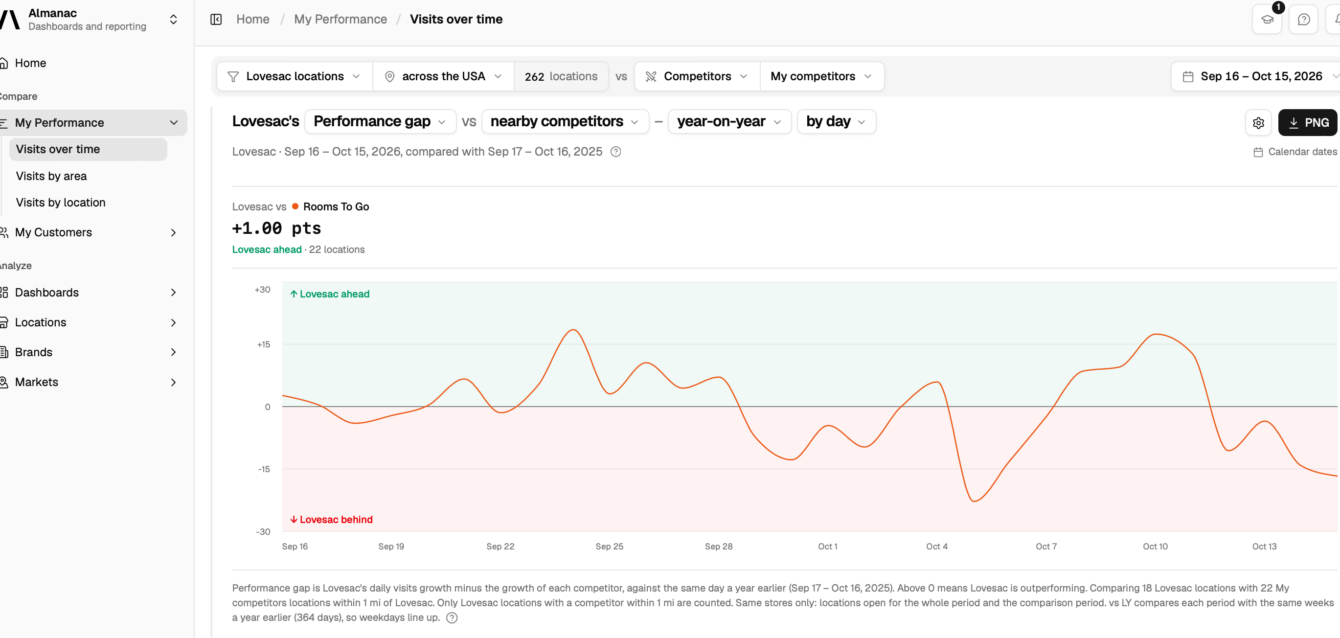
This guide provides a comprehensive walkthrough on how to analyze a retail corridor’s visit volume using PassBy’s suite of location intelligence tools.
From rapid AI-powered queries with Otto across Claude, ChatGPT, and Copilot, to deep-dive spatial analysis and customized data visualization within Almanac, you will learn how to seamlessly integrate foot traffic insights directly into your existing workflows.
Quick answers for analysing a retail corridor’s visit volume
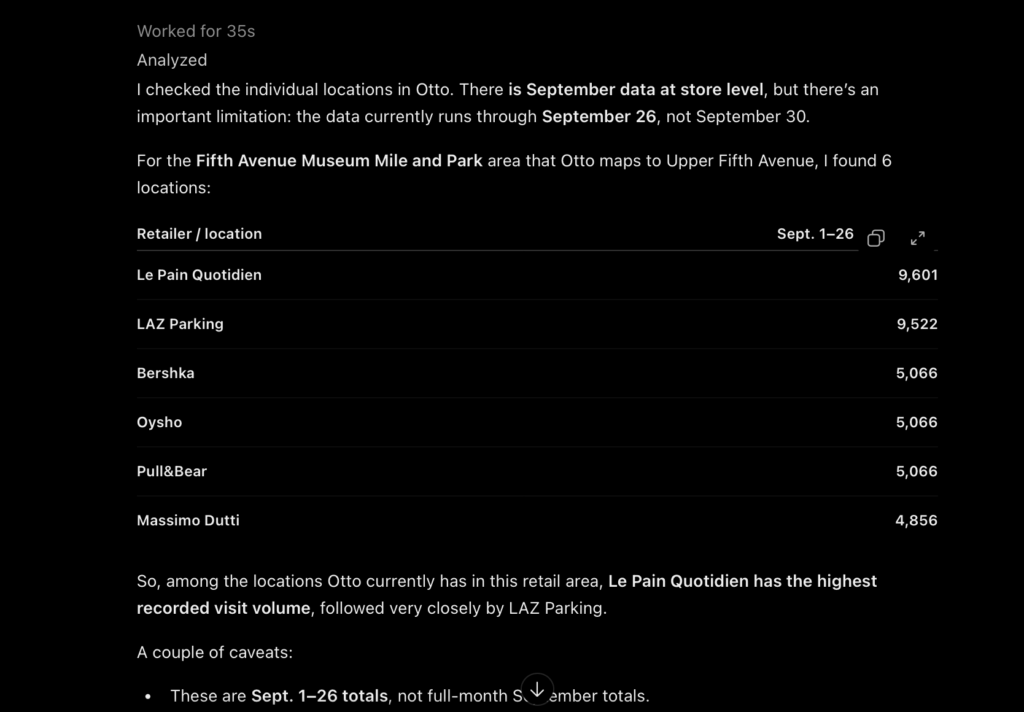
The fastest way to get answers on your retail corridor’s visit volume is to use PassBy’s AI agent Otto – available in Claude, ChatGPT and Copilot.
To use Otto, you will need to connect your Almanac account to your AI platform of choice. Once connected, Otto draws directly from Almanac’s core dataset.
Prompt examples:
- What was the visit growth year on year of [retail corridor address]?
- Show me the peak visitation hours and quarterly foot traffic trends for [retail corridor address].
- How do total visits compare between [Corridor A] and [Corridor B] over the last quarter?
- Display the catchment area demographics and top home ZIP codes for visitors to [retail corridor address].
Get answers within your workflows using Copilot
Using PassBy’s AI retail agent, Otto in Microsoft Copilot, you can query store and market intelligence directly within your existing Microsoft 365 workflows and Excel spreadsheets.
This enables retail teams to analyze location dynamics, foot traffic trends, and consumer demographics without manually exporting CSV files or leaving their primary workspace.
Key Capabilities in Copilot
- Inline Queries: Ask natural language questions about foot traffic volume, peak visitation hours, and year-over-year growth for specific retail corridors or locations directly inside Copilot Chat and Excel.
- Dataset Combination: Overlay external market and demographic intelligence onto internal operational spreadsheets—such as store POS sales, loyalty sign-ups, or supply chain inventory health metrics.
- Structured Data Formatting: Instruct Copilot to structure retrieved location insights directly into customized, Excel-ready tables with explicit column headers and geographic boundaries.
Example Copilot Prompts
- “Show month-over-month foot traffic for [retail corridor address], including columns for Corridor Name, Month, Total Visits, and Peak Hourly Traffic.”
- “Using Almanac demographic data, create an Excel-ready table joining our store locations’ Q3 sales with their corridor demographics, including Zip Code, Median Income, and Dominant Age Group.”
- “Compare the quarterly visit volume and YoY growth percentage between [Corridor A] and [Corridor B] over the last four quarters.”
Using Almanac to analyze a retail corridor
To find your retail corridor, search in the Markets section.
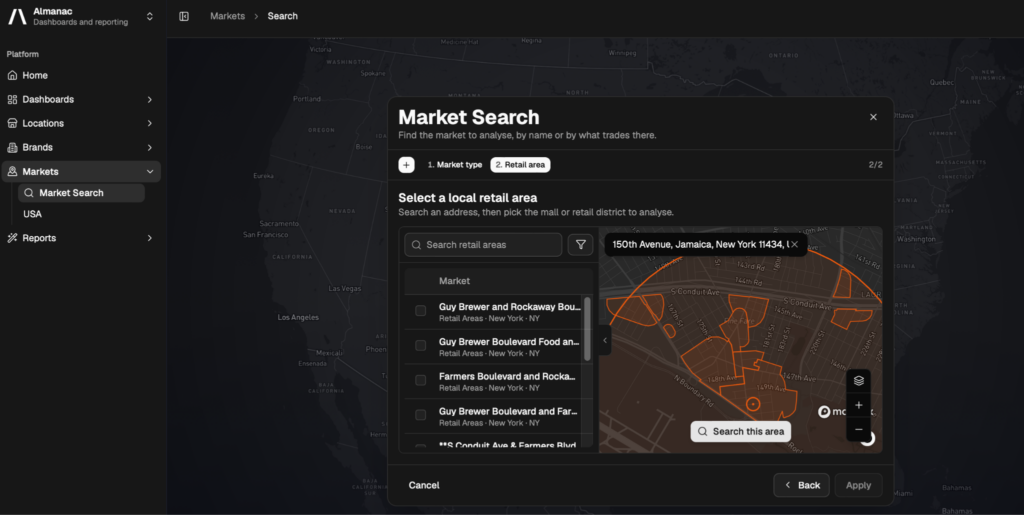
Almanac will then show you visits over time, the retail landscape, and the demographics of visitors in that retail corridor. Once loaded, the report provides key analytical components:
- Visits Over Time: Track foot traffic volume, seasonal fluctuations, peak days, and hourly visitation patterns across custom date ranges.
- Retail Landscape: Evaluate neighboring tenants, category mix, anchor store performance, and competitive presence within the defined geographic boundaries.
- Visitor Demographics & Catchment: Examine visitor profiles, including household income, age brackets, home ZIP codes, and customer overlap across nearby corridors.
All data can be downloaded as a CSV or PNG file by clicking the export file button at the top of the interface. CSV exports allow for deep-dive offline analysis in spreadsheet tools, while PNG exports provide clean visualizations for presentations and reports.
You can also save the report to come back to later by clicking the bookmark in the top right. Bookmarking preserves your filtered views, date ranges, and custom spatial definitions for quick retrieval.
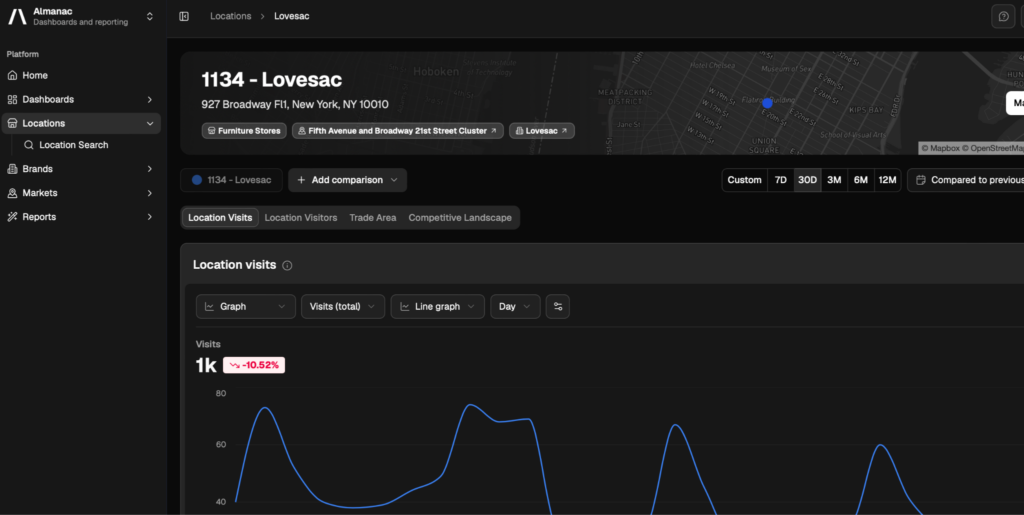
Tip: you can go directly to the retail corridor market from one of your stores in that corridor. Simply click the markets tab under the address of the store. This allows you to quickly evaluate local competitor benchmarks and broader corridor foot traffic context directly from individual store profiles.
Frequently Asked Questions (FAQ)
What is the main difference between using Otto and using Almanac?
Otto provides fast, AI-driven answers to natural language queries across tools like Claude, ChatGPT, and Copilot. Almanac is a web-based dashboard designed for deep spatial analysis, custom reporting, detailed demographic breakdowns, and visual map-based exploration.
How do I connect Otto to my existing workflow tools?
To use Otto, link your PassBy Almanac account credentials within your platform of choice (such as Microsoft Copilot, ChatGPT, or Claude). Once connected, Otto automatically queries Almanac’s underlying datasets on demand.
Can I export foot traffic and demographic data from Almanac?
Yes, all reports and visual analytics in Almanac can be exported as CSV files for offline spreadsheet analysis or as PNG images for presentation slides and executive summaries.